
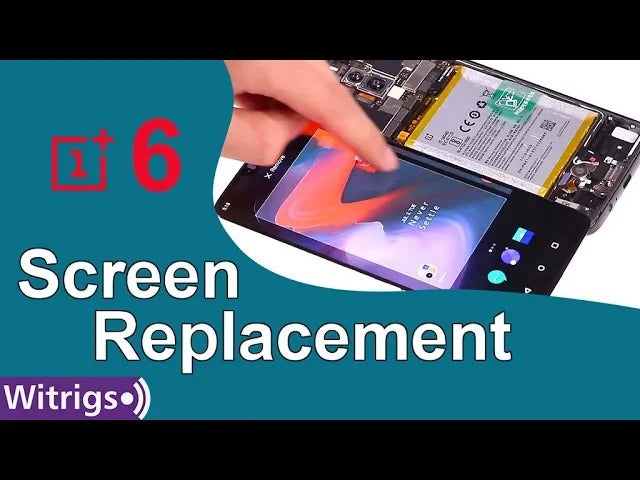
This video shows you how to repair OnePlus 6 broken Screen. 1:28 Pay attention to the screw near the earpiece ribbon.
Get OEM Replacement Parts for OnePlus 6 : https://witrigs.com/ekncj
OEM Screen Replacement for OnePlus 6 : https://zegsu.com/s/di59w
The AMOLED screen on the OnePlus 6 comes in at 6.28 inches, with a resolution of 2280 x 1080 pixels. It’s a solid resolution for a phone in $500 range. Much of what makes the OnePlus 6 feel extra special is the completely new build and design. It’s now made almost completely of glass, which curves around the rear and feels fantastic. There’s a rim of metal sandwiched between the glass to add some rigidity.
The display of your OnePlus 6 can get broken or ineffective because of unsuitable operation and crash. You can buy a OnePlus 6 screen with the frame or a screen without It is difficult and complicated to separate AMOLED screen and touch screen when you want to repair each of them. This is the best solution to replace the broken or ineffective screen of your OnePlus 6.
Follow this video to replace the digitizer and AMOLED screen of your OnePlus 6 in below conditions:
The screen of your OnePlus 6 got broken, cracked; Colored spots and lines keep showing on the screen; There is an orange spot in the same area of the display screen; Rainbow pattern or color-blocks shows on some areas of the screen; The touch screen is not sensitive enough to execute your orders. We will upload other repair guides of OnePlus 6 as soon as possible. Tell us which part of OnePlus 6 you want to replace at comment section.
Tools:
- Heat gun / Hairdryer - https://zegsu.com/s/dj44c
- Ph000 Phillips screwdriver - https://zegsu.com/s/dj5m8
- Suction cup - https://zegsu.com/s/dj2cm
- Plastic card - https://zegsu.com/s/dj17d
- Ultra-thin plastic sheet - https://zegsu.com/s/dj18b
- Adhesive remover - https://zegsu.com/s/dj4xi
Steps:
Step1 Remove battery cover
Step 2 Remove the battery and motherboard
Step 3 Remove the Loudspeaker, microphone board and headphone jack
Step 4 Remove the flex cables under the battery
Step 5 Test the new screen
Step 6 Install flex cables under the battery
Step 7 Install the battery
Step 8 Install the Loudspeaker, microphone board and headphone jack
Step 9 Install the battery cover How to separate the screen from the frame
Test the screen without the frame
If you are interested in DIY phone repair or latest phone accessories review, Like Us on Facebook: https://business.facebook.com/witrigsphonerepair/